


SVAR Vue Calendar is a customizable, interactive calendar component for Vue 3 designed for managing events and schedules. The component ships with multiple views (Day, Week, Month), drag-and-drop interface, an intuitive event editor, and flexible theming. Comes with full TypeScript support, a developer-friendly API, and flexible CSS styling.
The PRO Edition adds Year, Timeline, Agenda, and Resources views, editable recurring events, timezone support, dynamic loading, and more. To see the event calendar in action, try the live demo.
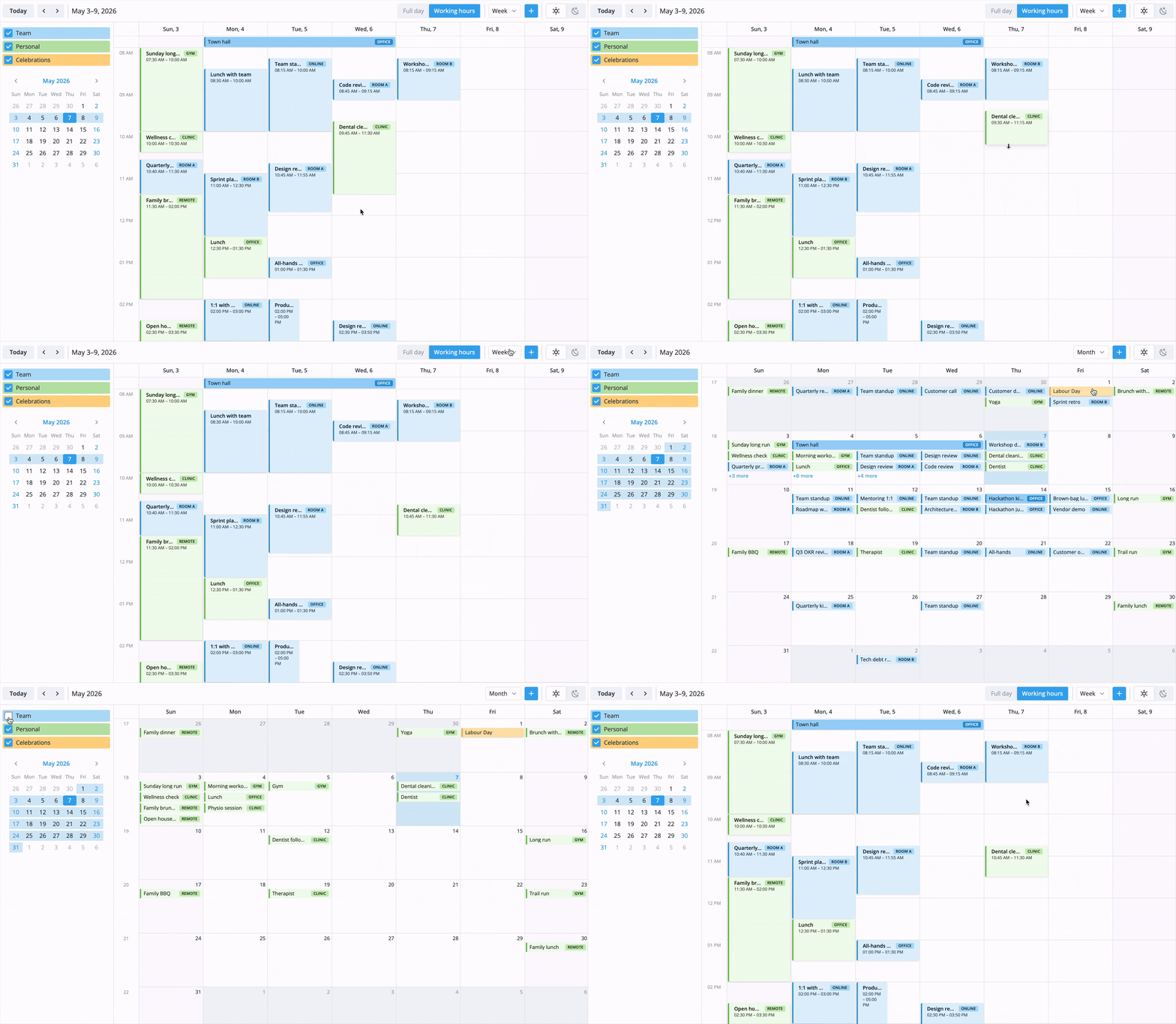
The calendar component provides all the essential functionality expected in an online calendar. It is completely customizable and can be quickly integrated into a Vue application that needs event planning and scheduling. Free, open-source edition supports:
- Multiple views: day, week, month
- Drag-and-drop to create, move, and resize events
- Drag external items onto the calendar as events
- Customizable event editor form
- Toolbar and context menu
- Configurable week start, working hours and time format
- Custom event rendering
- Localization
- Light and dark themes
- Responsive mobile mode
- High performance with large datasets
- iCal import/export
- Import from Excel
- Full TypeScript support
SVAR Vue Calendar is available in open-source and PRO editions. The PRO package adds four calendar views, recurrence support, dynamic loading, and more without changing the component API:
- Agenda view
- Year view
- Resources view
- Timeline view
- Editable recurring events
- Timezone support
- Multi-resource events
- Combined scales for Resource view
- Dynamic loading
- Undo/redo support
- Export to PDF, PNG & Excel
Visit the pricing page for licensing details and feature comparison.
To install SVAR Vue Calendar:
npm install @svar-ui/vue-calendar
To use the widget, simply import the package and include the component in your Vue file:
<script setup>
import { Calendar, Willow } from "@svar-ui/vue-calendar";
import "@svar-ui/vue-calendar/all.css";

const events = [
    {
        id: 1,
        start: new Date(2026, 3, 2, 10, 0),
        end: new Date(2026, 3, 2, 11, 30),
        text: "Project kick-off",
    },
];
const date = new Date(2026, 3, 2);
const view = "week";
</script>

<template>
    <div style="height: 600px">
        <Willow>
            <Calendar :events="events" :date="date" :view="view" />
        </Willow>
    </div>
</template>
For further instructions, follow the detailed quick start guide.
The package exports the following from @svar-ui/vue-calendar:
Calendar— main calendar componentCalendarPanel— calendar groups panel with visibility togglesEditor— event editorContextMenu— context menuWillow,WillowDark— themesgetDefaultToolbar,getDefaultMenu,getEditorItems,registerEditorItem
If SVAR Vue Calendar helps your project, give us a star! It helps us reach more developers and keeps us motivated to add new features.
Post an Issue or use our community forum.