
 ← Choose language | Выберите язык
Application for make and upload screenshots.
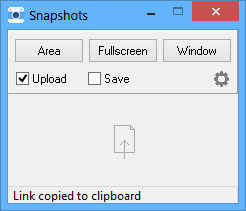
✔ Three modes of making screenshots
Area, window or full screen.
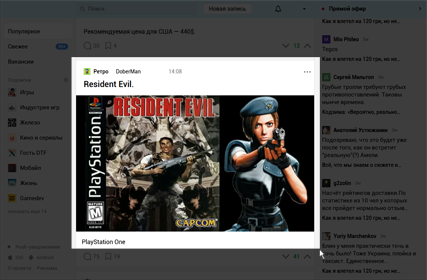
✔ Support Drag and Drop
Just drag a picture to window for upload.
✔ Uploading images to imgur.com
Upload and direct link to the clipboard.
✔ Save images
Screenshots are saved in the desired folder. By default to the folder with the program.
✔ Support for hotkeys
Create screenshots using the "Print Screen" button.
• How to take a screenshot of the game?
In the game settings, change the display mode to "window without frame" and enable the creation of screenshots on the "Print Screen" button.
• How do enable notifications in minimized mode?
Download app "Notifications", unpack to "Program Files" and run 1 time.

Version for Windows 7, 8.1, 10.
Download
r57zone[at]gmail.com